
All your online orders in one place

Orderlyst follows your online orders from the moment you buy until the last refund arrives. For each order you note what you bought, what you keep, what goes back and what still has to be paid or refunded.
What Orderlyst keeps track of
-
Everything in one place
Add orders from all your online shops, with the items and their prices. You set up your shops and payment methods once.
-
A status per item
Out of four items, you keep two, one goes back and the fourth hasn't arrived yet. You set the status per item, not per order.
-
Return deadline in view
Note the date until which you can return. Orderlyst counts down the days and warns you before the deadline passes.
-
A grip on your money
See which payments are still due and which refunds you are still owed after a return.
Why a separate app for your orders
Ordering online is quick. Keeping track of what you ordered, what has arrived and whether you got your money back is a lot slower. Especially when you buy from several shops, pay later and send something back now and then.
Most people solve this with a note or a spreadsheet. That works until the moment you want to know three things at once: has this arrived, have I paid for it, and can I still send that one item back.
- You see at a glance which orders are not finished yet
- You no longer miss a return deadline, not even with ten orders running at once
- You know how much a shop still has to refund you
- Settled orders drop to the bottom, so your list stays short

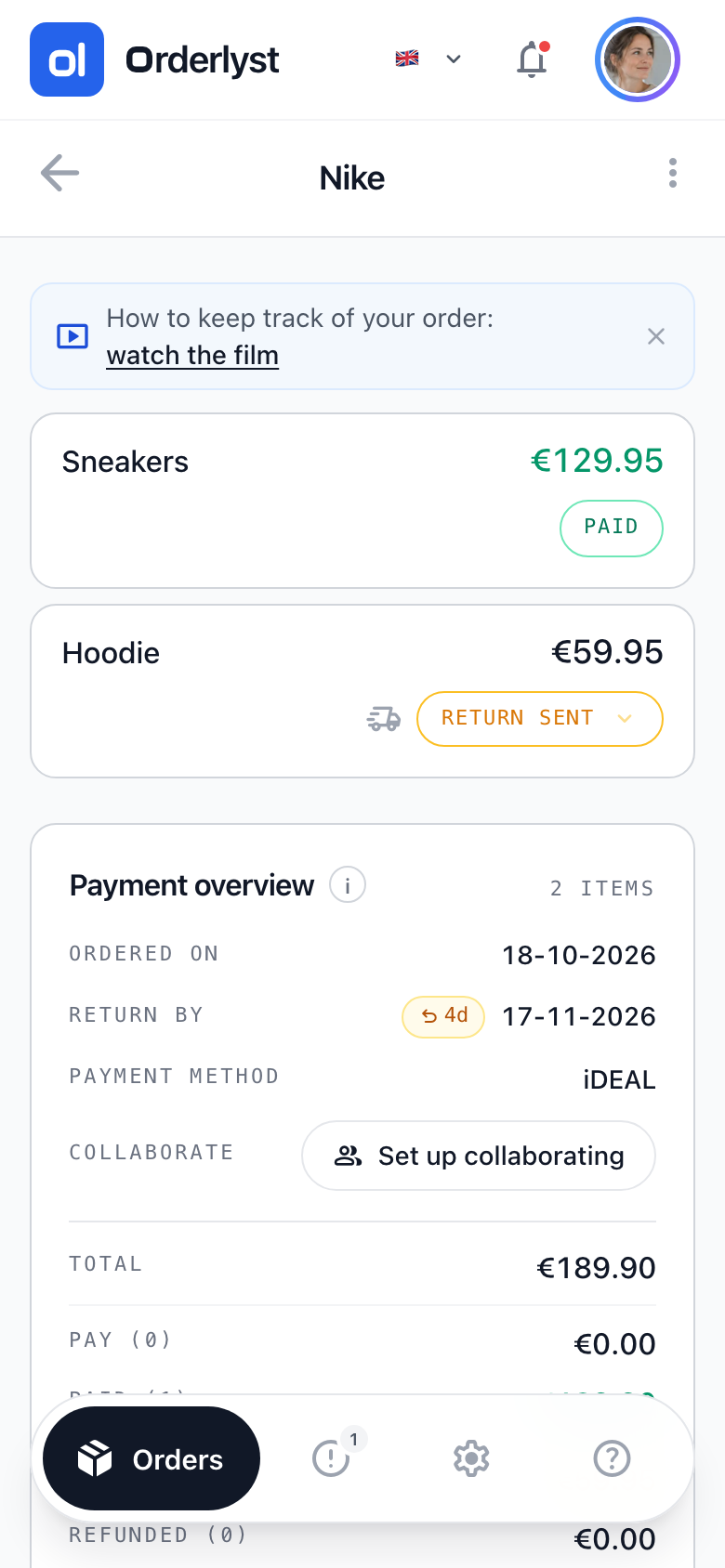
The status of every item
An order is rarely just one thing. Open an order and you see for each item whether it is paid, whether you keep it and whether the return has been sent. At the bottom you see what is still to pay and how much you will get back.
As long as anything is still open, the order stays visible in your list.
How to start
-
Add an order
Choose the shop, the date and the items. The price per item makes up the total straight away.
-
Update the status
Mark per item whether you keep it or send it back, and whether you have paid for it.
-
Get a reminder
When a return deadline is close or a refund is still outstanding, you see it in your overview.
On your phone and in the browser
Orderlyst works in any browser and can be installed on your phone. For Android, the app is also available in the Google Play Store.
Read more about a feature
-

Tracking online orders
Keep track of all your online orders in one place: what you ordered, what has arrived, what you still have to pay and what goes back.
-

Tracking returns
Keep track of which items go back, until when you can return them and which refunds you are still waiting for from an online shop.
-

Tracking refunds
Keep track of how much an online shop still has to refund you after a return, and see in one overview which refunds are still outstanding.
-

Buy now, pay later
See in one list what you still have to pay with Klarna, Riverty, PayPal or by invoice, so a payment reminder never takes you by surprise again.
-
Spreadsheet alternative
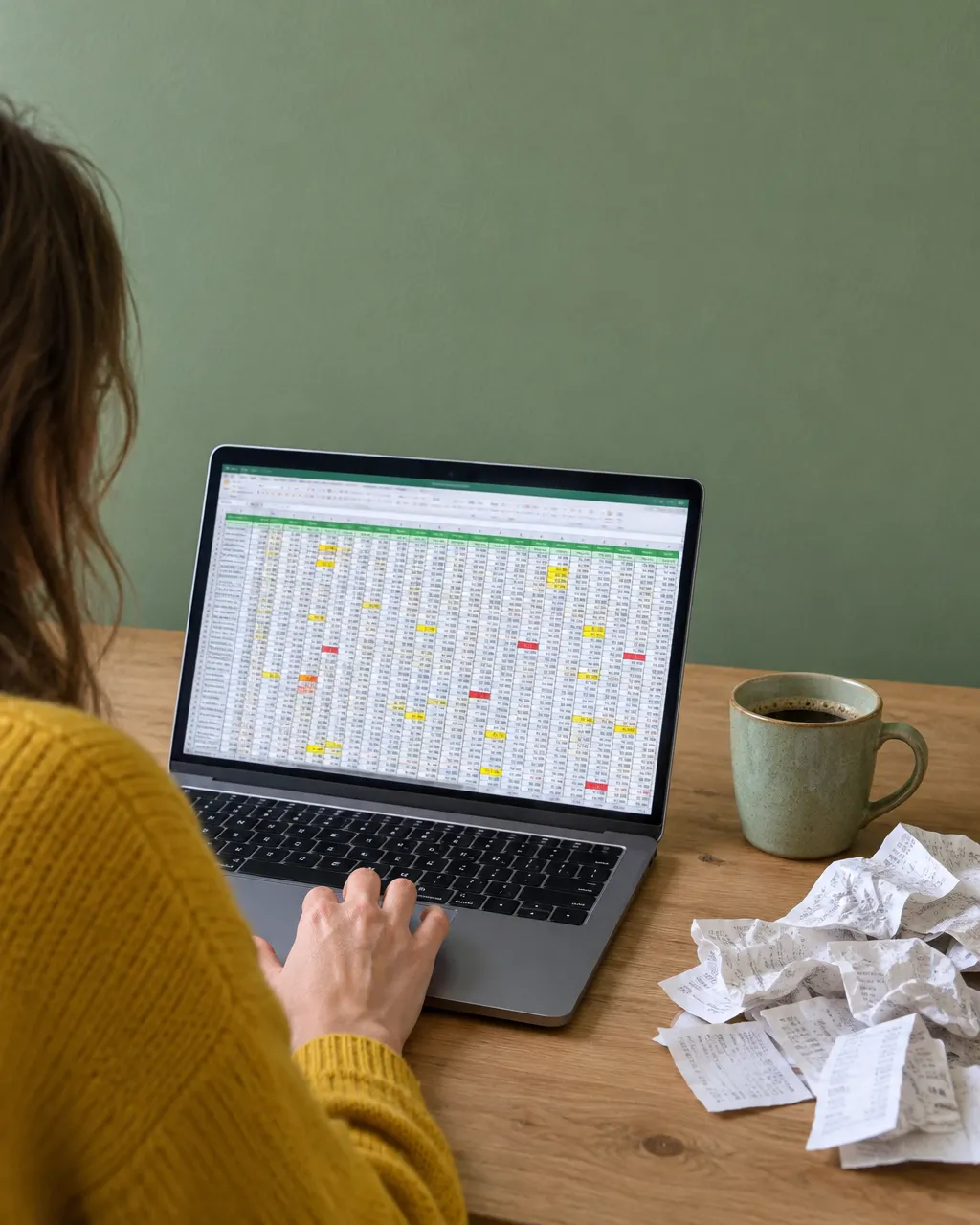
A spreadsheet for your online orders works up to a point. Compare what Excel or Google Sheets does and doesn't do with an app that watches the deadlines.
-

Sharing orders
Share your online orders with someone else. They see the overview and update statuses, while editing and deleting stay with you.
Frequently asked questions
Is Orderlyst free?
Yes. You start with two months in which all PRO features are available. After that you keep using Orderlyst for free, with PRO as an option if you want handy features such as push notifications, automatic import and labels.
Does Orderlyst connect to my shop accounts?
No. You add orders yourself and keep track of what happens to them. Nobody looks into your mailbox or your accounts with online shops.
Does it work for orders from shops in other countries?
Yes. You choose which shops you add and which currency you use.
Start with an empty overview
Add your first order and see straight away what is still open.
Create free account
Checked on 28 October 2026