
Tracking orders in a spreadsheet, or not
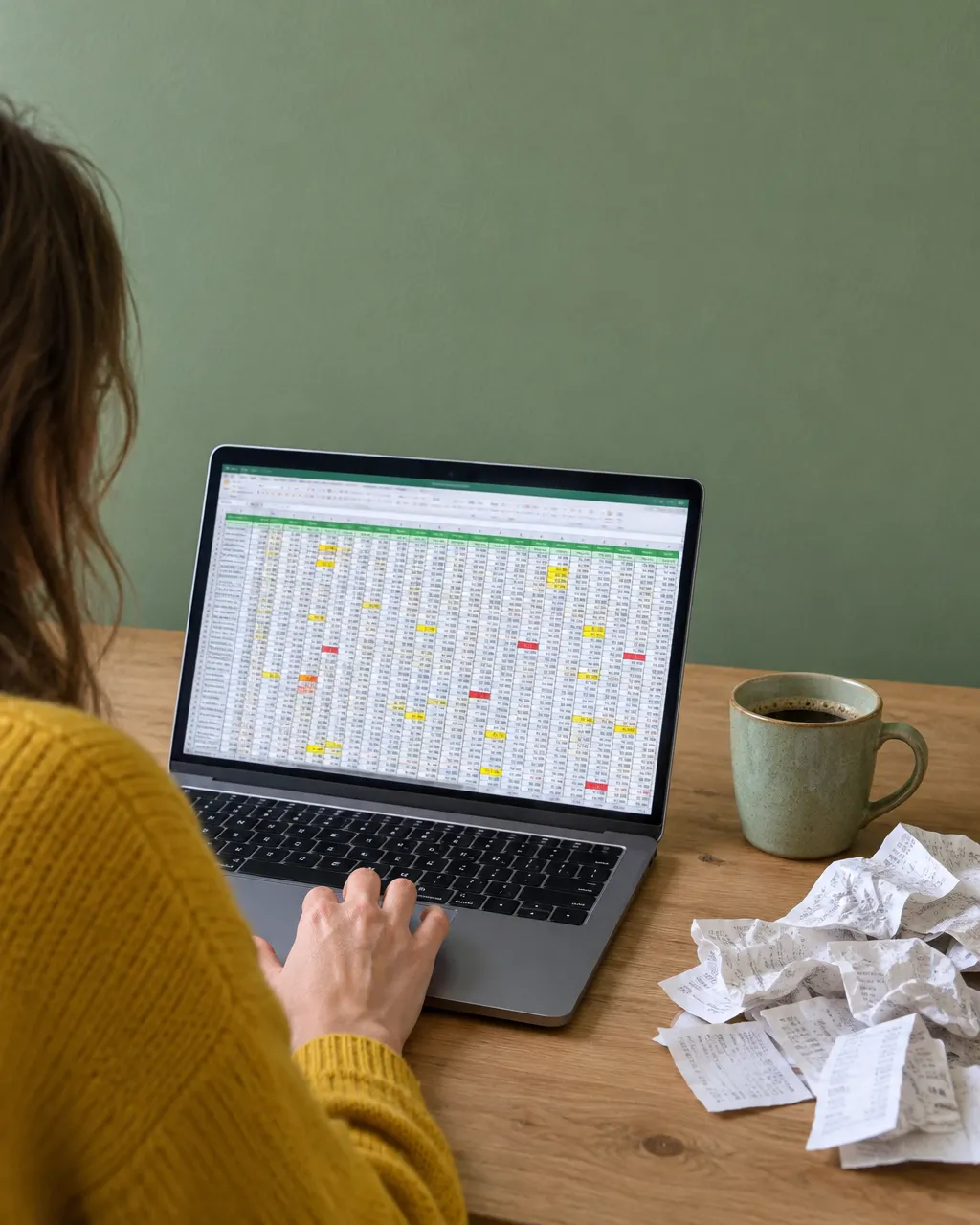
Almost everyone who wants to keep track of their online orders starts with a spreadsheet. That's a fine start: you choose the columns and it's set up in no time. Where it falls apart is everything that has to happen afterwards.
A spreadsheet is a good list and a poor assistant. It remembers what you enter, but it works out nothing you didn't put in yourself, and it never taps you on the shoulder.
What a spreadsheet does and doesn't do
| Spreadsheet | Orderlyst | |
|---|---|---|
| Note orders and amounts | Yes | Yes |
| Set up the layout | Build and maintain it yourself | Ready straight away |
| Work out the return deadline per shop | Only with your own formulas | Yes, set per shop |
| Warn you when a deadline runs out | No | Yes |
| Status per item within an order | Cumbersome | Yes |
| Show outstanding payments and refunds separately | With effort | Yes |
| Move settled orders out of view | By hand | Automatically |
| Fill it in on your phone | Barely | Yes |
Where it goes wrong in practice
- You stop filling in the last columns as soon as things get busy
- One row per order doesn't work when half of it goes back
- The return date is there, but nobody looks at it
- On your phone, a spreadsheet with eight columns is hopeless
That last one is decisive. Orders come in while you're out and about, and an overview you only update at your laptop falls behind.
One row per order doesn't work
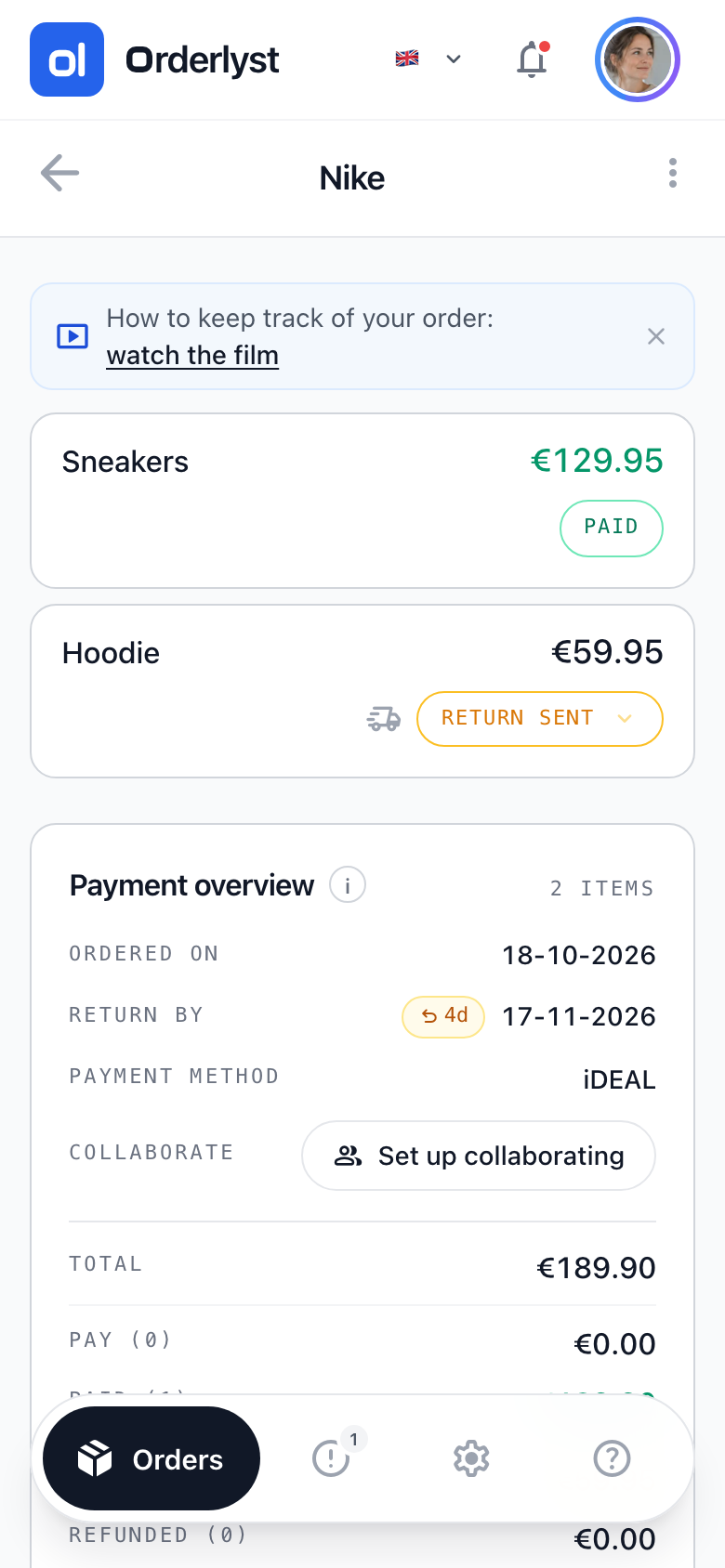
In a spreadsheet, an order is one line. In real life each item has its own outcome: you keep this one, that one goes back, the other hasn't been delivered yet.
That's why the status is set per item, and the totals at the bottom add up to what you still have to pay and still get back.
Switching from a spreadsheet
You don't have to empty your old file. Start with your current orders, usually five to ten of them, and leave the settled ones where they are. After a week or two you won't order anything without adding it.
You can start with a set of common shops and payment methods, including the return period most of those shops use. You can always add more.
Frequently asked questions
Can I import my Excel file?
No, there is no import for spreadsheets. You add your current orders by hand, which takes about a quarter of an hour for a normal number of orders.
Why shouldn't I just keep using a spreadsheet?
If you rarely order and hardly ever send anything back, that's fine. The difference shows with returns and paying later, because then someone has to watch the deadlines. In a spreadsheet, that someone is you.
Can I get my data out again?
Your data lives in your own account and you can always view and delete orders. You can delete your account yourself in the app, after which your data is erased.
Start with an empty overview
Add your first order and see straight away what is still open.
Create free account
Checked on 28 October 2026