
Share your orders with someone else

In a household, a parcel often passes through more than one pair of hands. It arrives with whoever is at home, someone else takes care of the payment, and the return goes with whoever passes the drop-off point. Yet only one person keeps track of it: the one who ordered.
That means questions back and forth: has that parcel been paid, has that jumper gone back yet, when does that deadline end again. Every answer sits in a list the other person can't see.
How sharing works
-
You invite someone
You enter the email address of the person you want to share with. They get an email and see the invitation in Orderlyst as soon as they log in.
-
They see your orders
Your orders appear in their overview, with your name next to them so it is clear whose they are.
-
And update statuses
Has that parcel been paid or sent back? They change it, and you see straight away who changed what.
What the other person can and can't do
- View your orders, with the items and amounts
- Update the status of an item, for example from Ordered to Paid
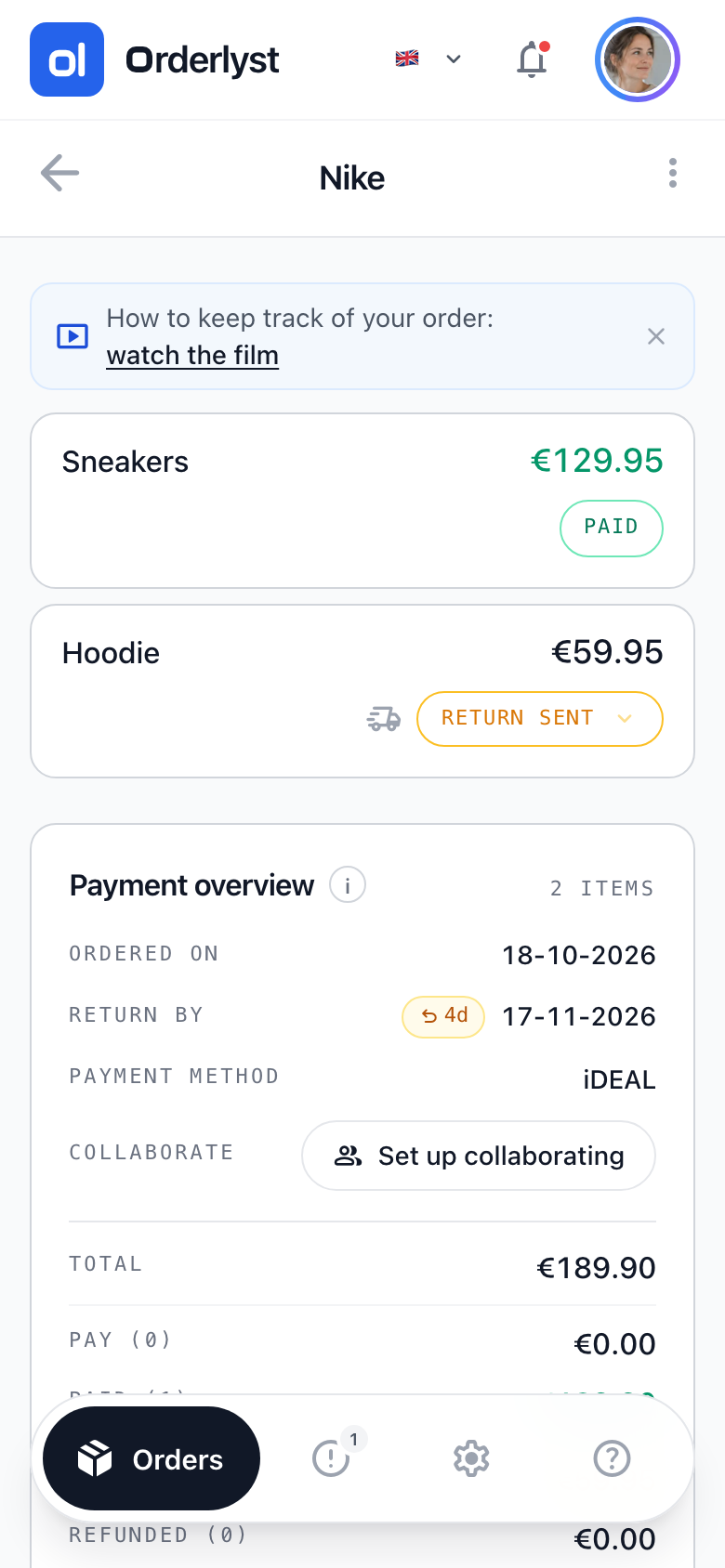
- See which return deadline is running out and which refund is still outstanding
Editing and deleting stay with you. The other person can't add items, change prices or delete an order. You can also always see who changed a status, by name.
Want to keep an order to yourself, a present for example? Set it to private. It stays invisible to the other person, even though you share the rest of your orders.
You see whose order it is
You recognise someone else's orders by the small profile picture next to the shop name. When the other person updates a status, it shows with the item where it happened: who it was, what changed and when.
You can stop at any time
You stop sharing whenever you like, and the other person can stop too. The orders remain yours; they just disappear from the other person's overview. You can invite them again later without losing anything.
Frequently asked questions
How many people can I share my orders with?
Up to five. In practice that is your partner, a housemate or a family member who orders along with you.
Can the other person change or delete my orders?
No. They can only update the status of items, for example from Ordered to Paid or Return Sent. Adding, editing and deleting is only possible for the owner of the order.
Do I need PRO to share?
Inviting someone is a PRO feature. Being invited is not: someone who views your orders and updates statuses only needs a free account.
What happens when my PRO subscription ends?
Sharing pauses and the other person no longer sees your orders. As soon as you activate PRO again, sharing is back, without having to invite anyone again.
Start with an empty overview
Add your first order and see straight away what is still open.
Create free account
Checked on 28 October 2026